
Logging in to the Internet Archive
Logging in to the Internet Archive
1. To access the books in the Internet Archive, you need to set up a free individual registration.
2. Click on the title of the book in the eDiscover database.
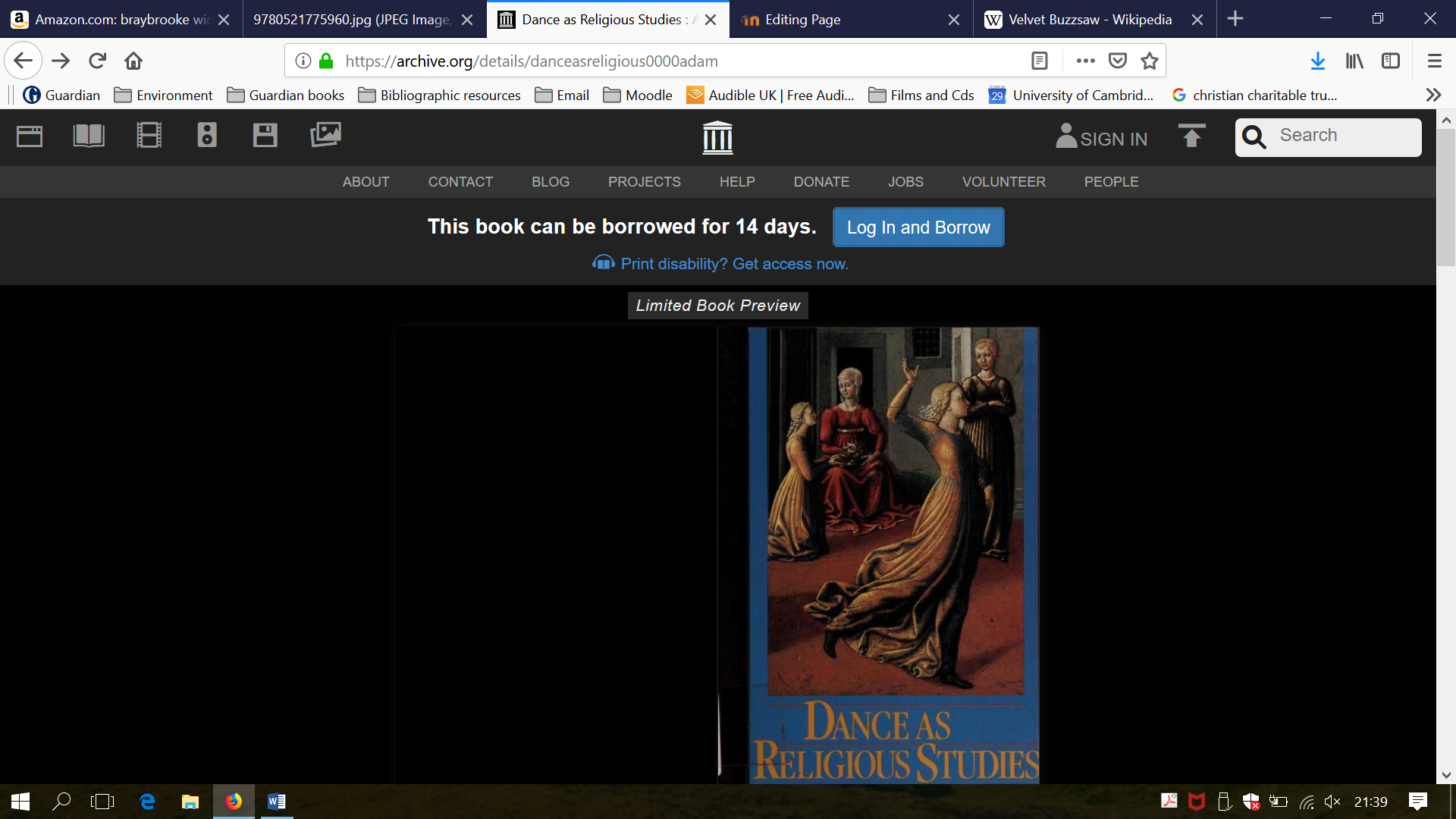
3. This will take you to the home page of the book. Click on 'Log in and borrow':
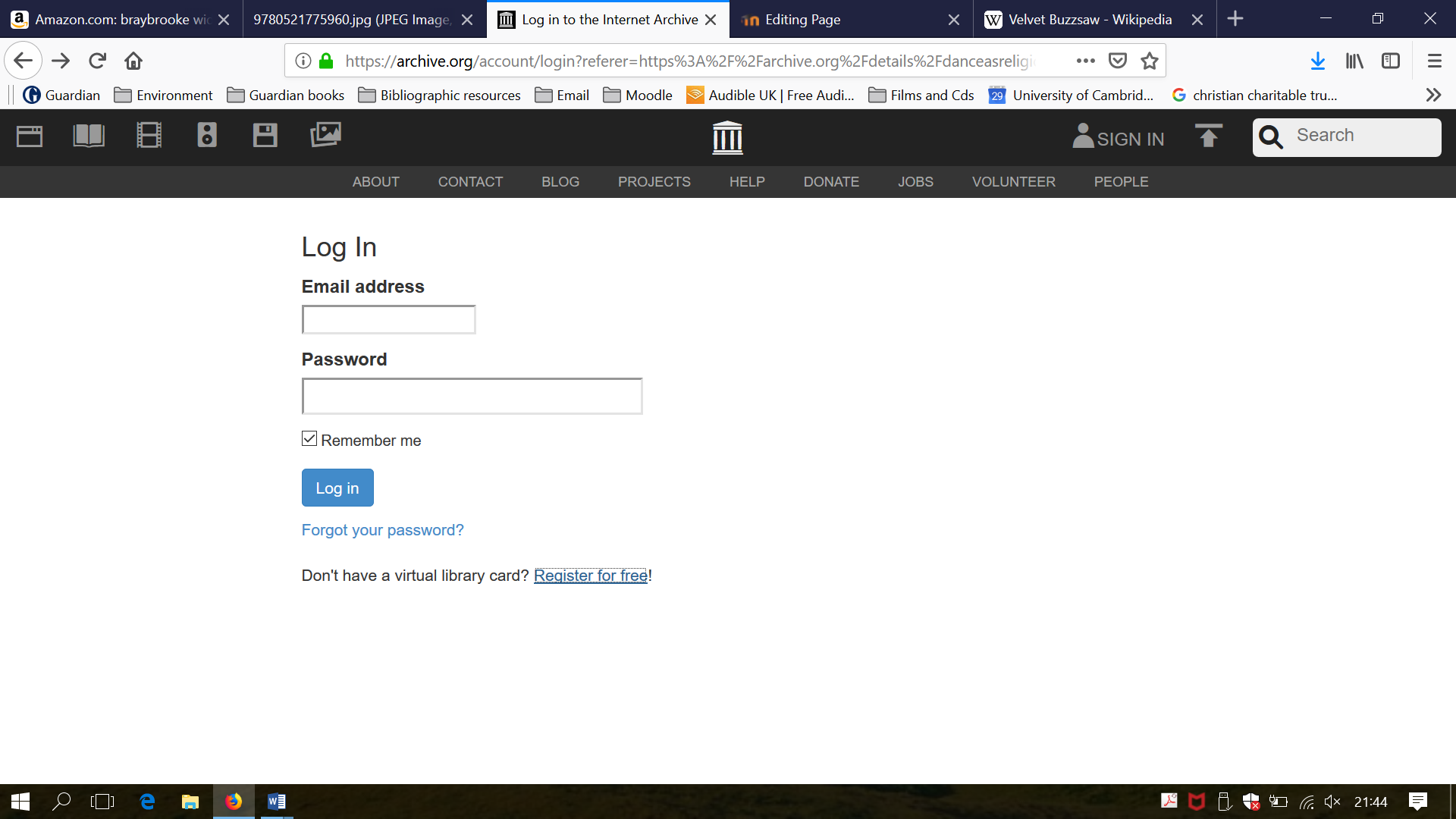
4. This will take you to the 'Log in'page. The first time you access the site you will need to set up an individual registration. Click on 'Register for free! at the bottom of the page:
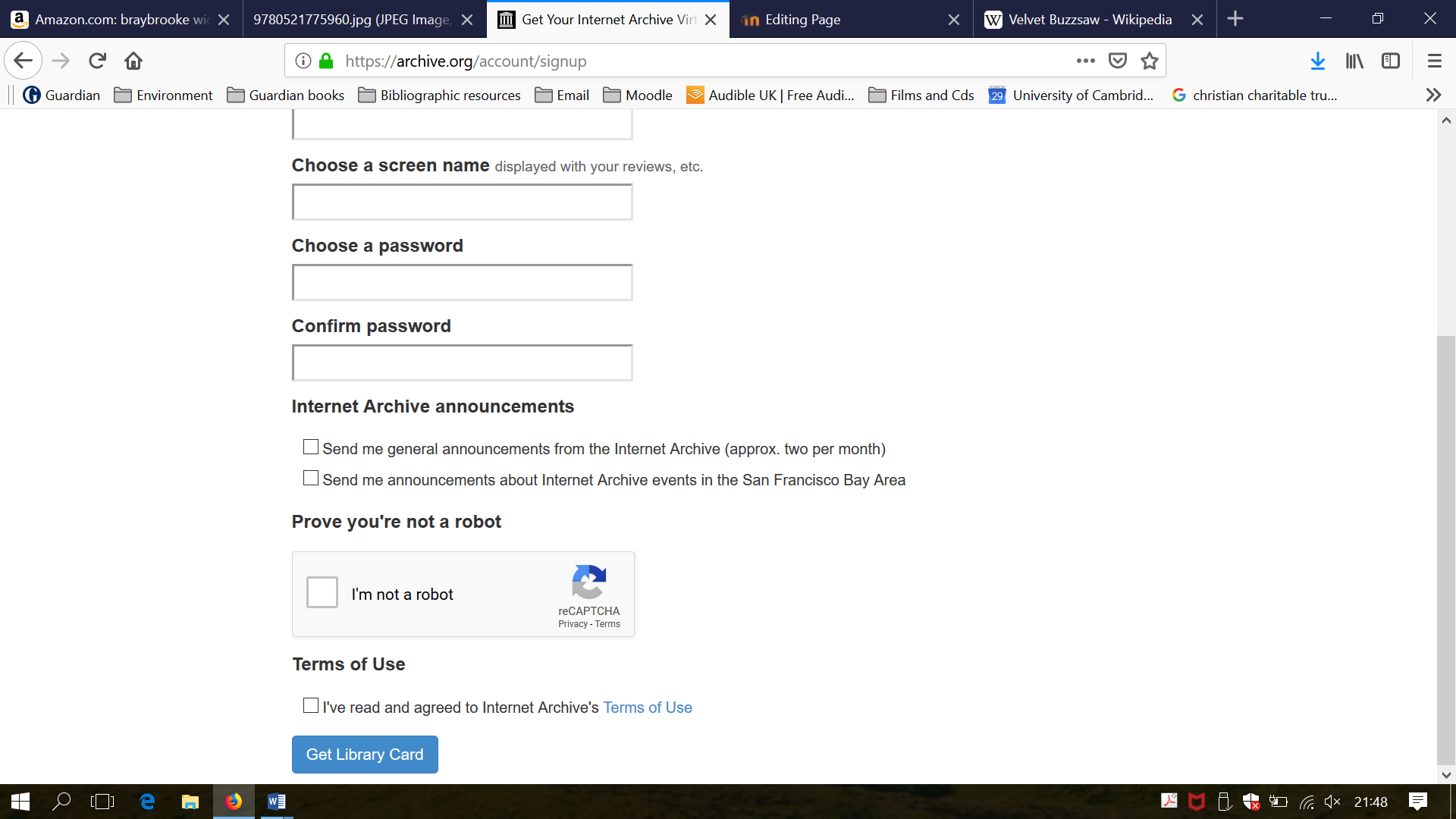
5. This will take you to a short online form to complete. Fill out each of the boxes and then click on 'Get Library Card' at the foot of the page. This completes your registration:
6. Once you have registered/logged in, return to your chosen book and click on 'Borrow this book'. This will give you access to the full text of your chosen title for 14 days:
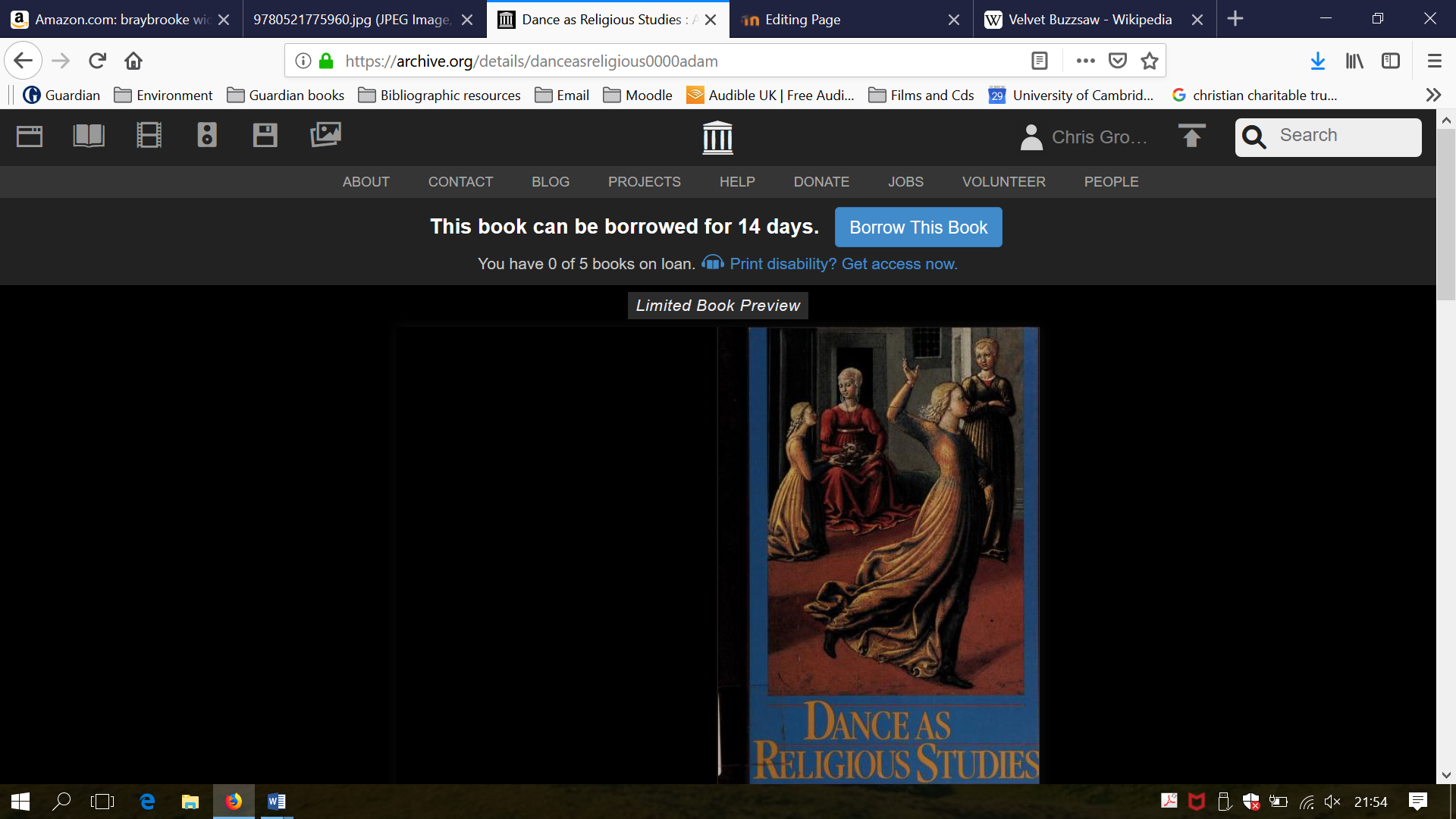
7. You may have up to 5 books on loan from the Internet Archive at any one time.